Editing Features
Professional Photo Editing Tools
Every tool you need to turn property photos into listing-ready images, edited by AI in your browser.
Virtual Staging
Virtual staging furnishes empty rooms with photorealistic furniture and decor. Choose the room type (living room, bedroom, dining room, home office, child's bedroom, kitchen, bathroom or patio) and one of 22 interior styles, each with its own palette, materials and furniture, from Scandinavian and Japandi to mid-century modern, Art Deco and desert modern. No real furniture has to be moved, and you can stage the same room again in another style.
- Furnish a room without renting, moving or storing furniture
- No staging company to book: the edit starts as soon as you run it
- 22 interior styles and 8 room types to choose from
- Try another style or layout by running staging again (3 credits per photo in 1K)


Drag the slider to compare before & after
Sky Replacement
Bad weather should never hold back your listing photos. Our AI sky replacement detects the horizon line and seamlessly blends a new sky with the correct lighting, reflections, and color grading -- creating a result that looks completely natural. From bright blue skies to dramatic sunset hues, you choose the mood.
- No need to reschedule shoots due to weather
- Natural blending with correct lighting and reflections
- Multiple sky options from clear blue to golden hour
- Works on any exterior photo, any angle


Drag the slider to compare before & after
Twilight Conversion
Twilight exteriors stand out next to daytime photos, but a dusk shoot means a second trip at sunset. ShotVista turns a daytime exterior into a twilight scene with a dusk sky, warm window glow and ambient landscape lighting, in subtle, medium or dramatic intensity.
- Choose subtle, medium or dramatic intensity
- No need to schedule expensive dusk photography sessions
- Warm window glow and ambient lighting added automatically
- Dramatic sky gradients that stop scrolling


Drag the slider to compare before & after
Window Pull
Interior shots often blow out windows to pure white, hiding the view outside. Our AI window pull technique recovers the exterior view and blends it seamlessly with the interior exposure. Buyers see both the room details and the garden, skyline, or landscape view -- exactly how the room looks in real life.
- Show the full value of properties with great views
- Replaces blown-out white windows with realistic exterior views
- Natural blending preserves interior lighting and color
- Works with any window size and interior lighting condition


Drag the slider to compare before & after
Grass Enhancement
Curb appeal starts with the lawn, but seasonal conditions, drought, or neglect can make even the best properties look unappealing. Our AI grass enhancement turns brown, patchy, or dormant grass into a vibrant, lush green lawn while preserving the natural texture, shadows, and surrounding landscaping. The result looks natural and seasonal-appropriate.
- Enhance curb appeal regardless of season or weather
- Natural green tones that match surrounding landscaping
- Preserves grass texture, shadows, and depth
- Works on any lawn condition from patchy to dormant


Drag the slider to compare before & after
Auto Enhance
Auto Enhance is your one-click solution for transforming any property photo into a professionally edited image. Our AI analyzes the scene and intelligently adjusts exposure, white balance, contrast, sharpness, and color saturation -- balancing all elements to create a clean, bright, and inviting result.
- Professional-quality results with zero manual editing
- Intelligent scene analysis adjusts every parameter
- Perfect for high-volume photo workflows
- Consistent quality across all photos in a listing


Drag the slider to compare before & after
Item Removal
Distracting objects can pull attention away from the property. Our AI item removal intelligently erases unwanted elements -- cars in the driveway, rubbish bins, signage, power lines, or personal belongings -- and fills the space with a realistic continuation of the surrounding scene. The result is a clean, distraction-free photo that keeps the focus on the property.
- Remove any unwanted object without manual editing
- AI fills removed areas with realistic scene content
- Works on both interior and exterior photos
- Remove distractions without opening Photoshop


Drag the slider to compare before & after
Declutter
Selling an occupied home means photos often show personal belongings, excess furniture, and visual clutter that makes rooms feel smaller and less appealing. Our AI declutter tool identifies and removes personal items, excess furniture, and visual noise while preserving the room structure. The result is a clean, neutral space that helps buyers envision themselves living there.
- Help buyers see the space, not the current owner's stuff
- Rooms appear larger and more inviting
- No need for sellers to physically declutter before photos
- Preserve architectural features while removing distractions


Drag the slider to compare before & after
Virtual Renovation
Help buyers see the potential in dated properties with virtual renovation. Our AI can change flooring materials, wall paint colors, countertops, cabinetry, and fixtures -- showing what the space could look like after a renovation. Perfect for fixer-uppers, investment properties, or showing multiple finish options to buyers. Each renovation is photorealistic and architecturally accurate.
- Show the potential of dated or fixer-upper properties
- Visualize multiple renovation options for buyers
- Increase perceived value and attract more offers
- Photorealistic results that respect room proportions


Drag the slider to compare before & after
Lens Correction
Wide-angle lenses are essential for real estate photography but introduce barrel distortion, converging verticals, and perspective issues. Our AI lens correction automatically detects and straightens vertical and horizontal lines, removes barrel and pincushion distortion, and corrects perspective -- producing clean, architecturally accurate photos that look professional and true to life.
- Fix barrel distortion from wide-angle lenses automatically
- Straighten vertical and horizontal lines for a professional look
- Correct perspective without cropping away image content
- Architecturally accurate results that respect geometry


Drag the slider to compare before & after
Batch Processing
When you have 20, 50 or more photos from one listing, editing them one by one is not practical. Upload the whole shoot at once, then use Edit all to apply the same edit to every photo in the listing that you have not culled. Every photo gets the same treatment, so the set looks consistent.
- Apply one edit to every photo in a listing in a single step
- Consistent color, exposure, and style across all images
- Upload a whole shoot at once, up to 100 MB per file
- Perfect for high-volume photographers and teams
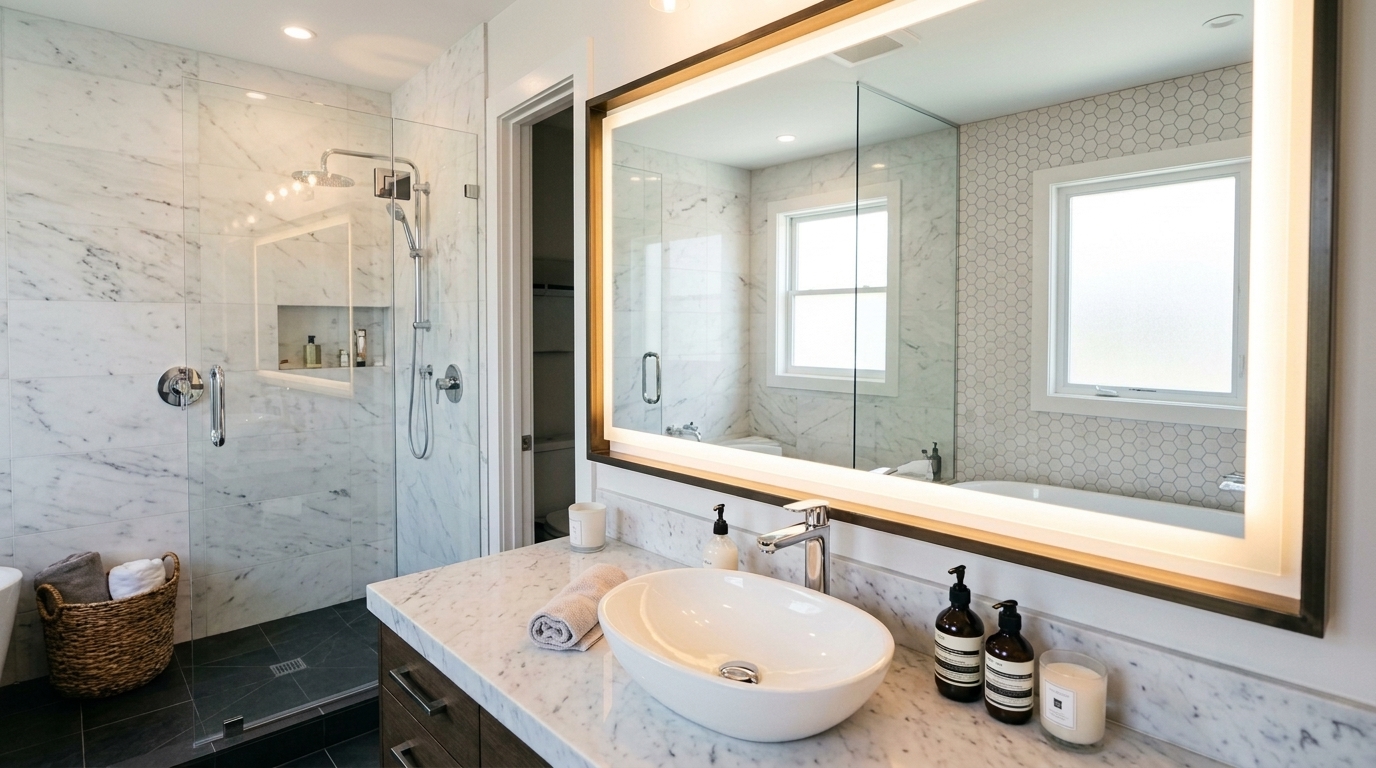
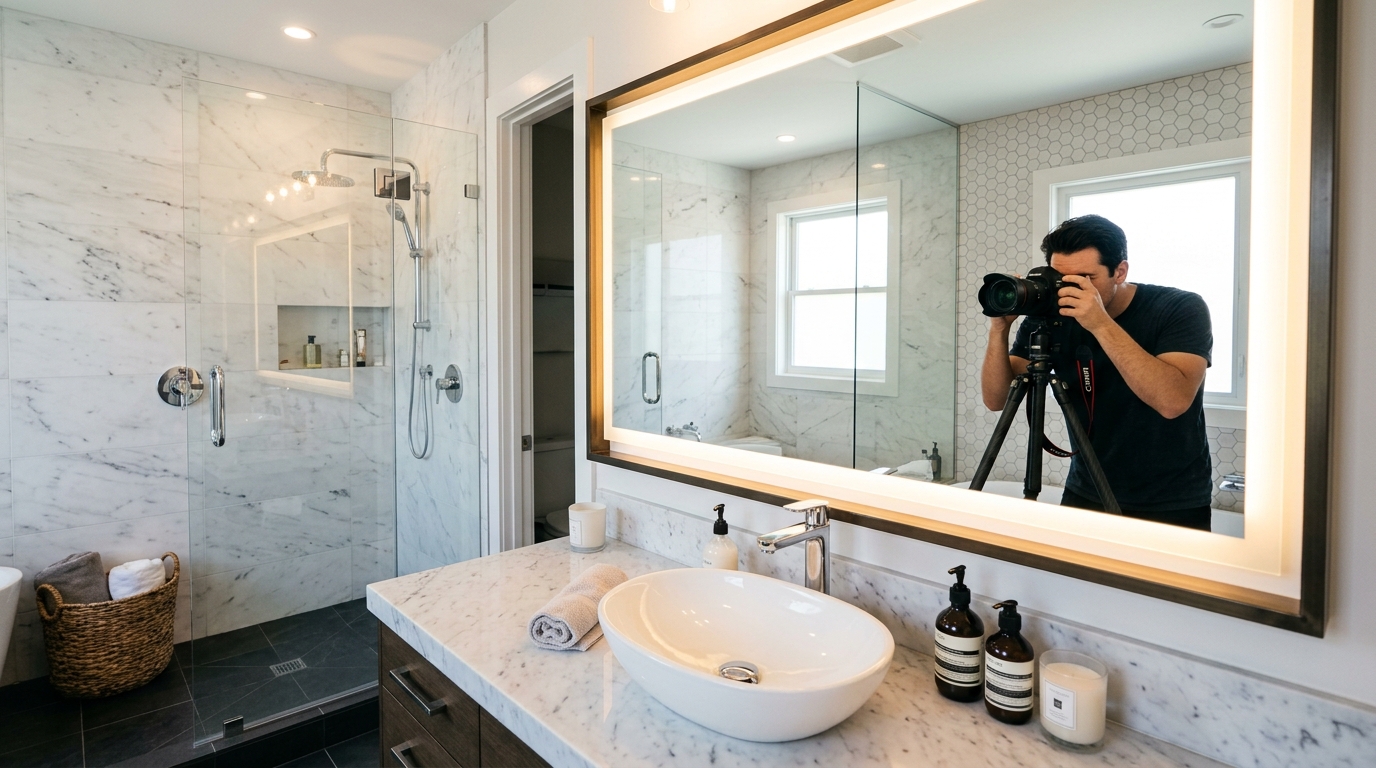
Drag the slider to compare before & after
Fireplace Enhancement
Make every listing feel like home. Our AI adds photorealistic flames, warm lighting, and ambient glow to fireplaces — turning a cold, empty hearth into the coziest spot in the house.
- Photorealistic flames added to unlit fireplaces
- Warm ambient glow cast on surrounding surfaces
- Works with all fireplace styles — wood, gas, stone, brick
- Instant cozy atmosphere that sells


Drag the slider to compare before & after
Furniture Removal
Need to re-stage a room with a different style? Furniture Removal strips a room down to its bare structure — walls, floors, and built-ins — giving you a clean canvas for virtual staging.
- Remove all furniture and decor in one click
- Clean empty room ready for virtual staging
- Preserves architectural features and built-ins
- Perfect for re-staging with a different style


Drag the slider to compare before & after
Aerial Pins
Make your aerial shots instantly clear. Our AI adds a clean, professional map pin directly on the property, so viewers immediately know which building is the listing — perfect for multi-property neighborhoods.
- Instantly identify the property in aerial views
- Professional map-style pin with drop shadow
- Works with all drone and satellite imagery
- Stand out in MLS listings with marked aerials


Drag the slider to compare before & after
Ready to Transform Your Listings?
Start editing property photos with AI. Upload your first photo and see the result while you wait.